

Last updated on July 5th, 2026
Top Figma Web Design Agency South Africa
If you’re looking for a best rated web design agency for high quality Figma Mockups, look no further than Woww. With over 650 websites developed, Woww has proven itself as the go-to web design agency for for UI and UX optimized web design pre-visualization in Figma.
View their case studies and portfolio of client sites including brands like: Lancewood, Incubeta, EO, Vida, Takealot, Baracuda and MediPet who all have leveraged Figma for successful websites.
What is Figma
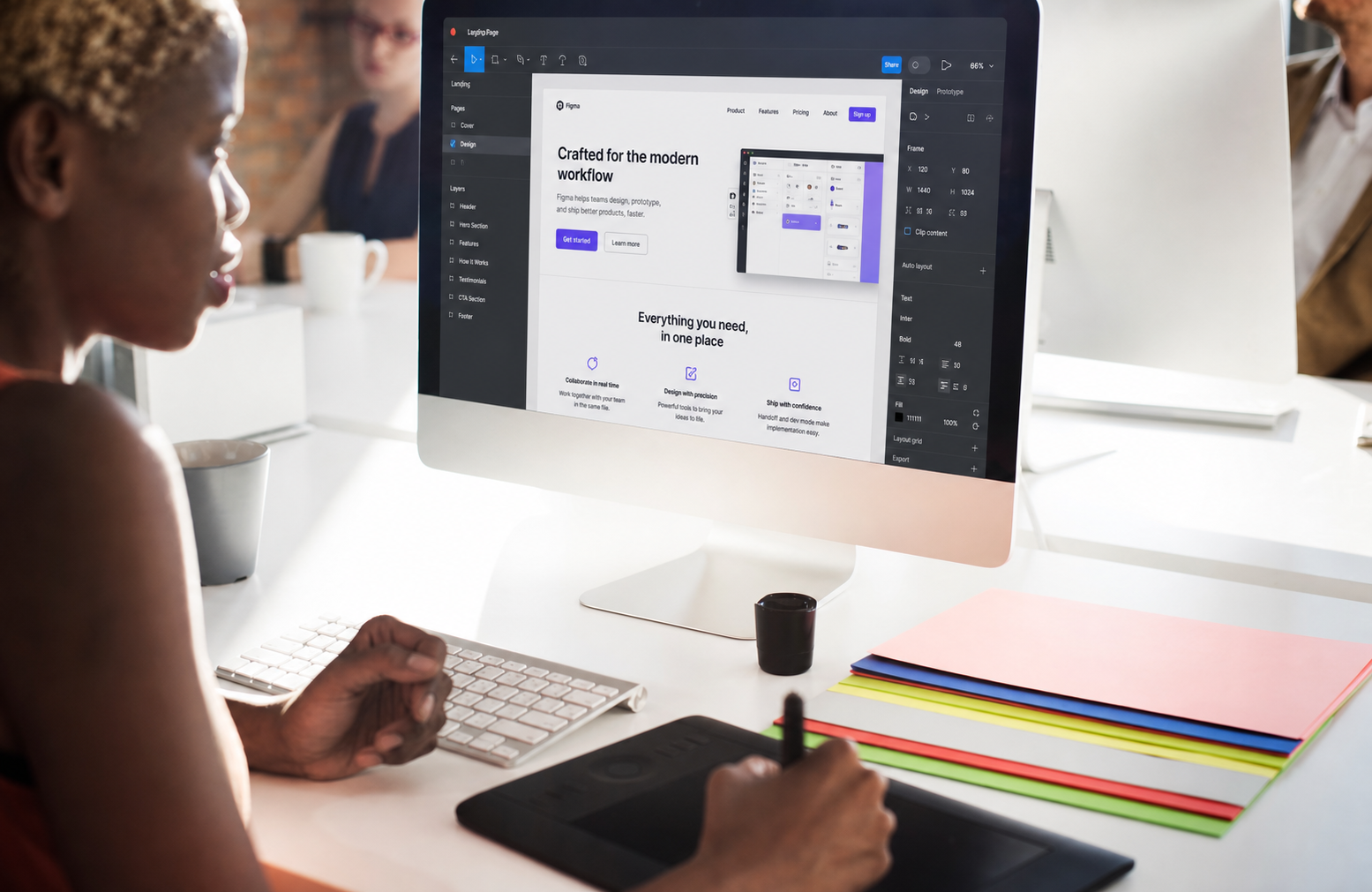
Figma is a professional design tool used to create high-fidelity website mockups before a website is developed.
At Woww, we use Figma to visually plan what your website will look and feel like before we build it in WordPress or another web design platform. This allows you to review the design, layout, colours, typography, imagery, and content flow before development begins.
Historically, website design often happened directly inside the development phase. This could make feedback slower, changes more difficult, and expectations harder to align on.
With Figma, you get a clear visual blueprint of your website before anything is built. This means you can see how each page will look, provide feedback, and approve the design direction with confidence.
Once the Figma mockups are approved, our development team uses them as the guide to build your website into WordPress or handoff to another development team. This helps ensure the final website is beautiful, brand aligned, conversion focused, and built with a clear plan from the start.

Why do we use Figma
At Woww, we’ve always believed that great web design starts with a clear visual plan. Figma allows our team to design high-quality website mockups before development begins, so everyone can see exactly what the website should look and feel like.
Because Figma is a collaborative design tool, it makes the feedback process much easier. Clients can review the design, comment on specific sections, and approve the visual direction before we start building the website in WordPress.
This helps our team work more efficiently and reduces unnecessary rework during development. Instead of figuring out the design while building, we first create a clear blueprint that guides the full website build.
By using Figma for the design stage, our designers can focus on creating a beautiful, brand-aligned, conversion-focused website. Once approved, our developers can then focus on bringing that design to life in WordPress as accurately and efficiently as possible.
This gives our clients a smoother process, clearer expectations, and a final website that has been properly planned before a single page is developed.
Why Woww is the best Figma agency for your Figma project?
Having built over 650 websites, Woww is one of the most experienced web design agencies in South Africa.
From SMEs to large corporates, we have the experience, portfolio, and process to create websites that look incredible and perform.
What you can expect from a Woww website designed in Figma:
- A fully bespoke website design, first created as a high-fidelity Figma mockup before being developed in WordPress.
- A clear visual blueprint of your website before development begins, so you can review the layout, design direction, content flow, colours, typography, imagery, and user journey upfront.
- A more collaborative feedback process, where you can comment directly on the design and approve the visual direction before the website is built.
- A brand-aligned design that is created with your Corporate Identity, business goals, and target audience in mind.
- Responsive design planning, helping us think through how the website should adapt across desktop, tablet, and mobile.
- A smoother development process, as the approved Figma design gives our WordPress developers a clear guide to follow when building the final website.
- A website built with best-in-class WordPress tools, including Elementor, Gravity Forms, WooCommerce, WP Rocket, Crocoblock, JetPlugins, Rank Math, Yoast, and more.
- Fast, secure hosting through premium providers such as WP Engine and Rocket.net.
- SEO and AI visibility foundations built in, helping your website become more accessible to Google, AI search engines, and your future customers.
- Access to complementary services that help your website succeed, including branding, graphic design, advanced SEO, AI visibility, paid marketing, hosting, maintenance, and ad-hoc website support.
- Woww’s core purpose is to help businesses start, grow, and thrive online.
- So you’re not just buying a “website”. You’re buying a website that is carefully planned, professionally designed, built to perform, and made to drive real business results. A website you would be proud to show off.
Wowws core purpose is to help businesses start, grow and thrive online. So you’re not just buying a “website” you’re buying a website built to perform and drive results. A website you’d be proud to showcase.
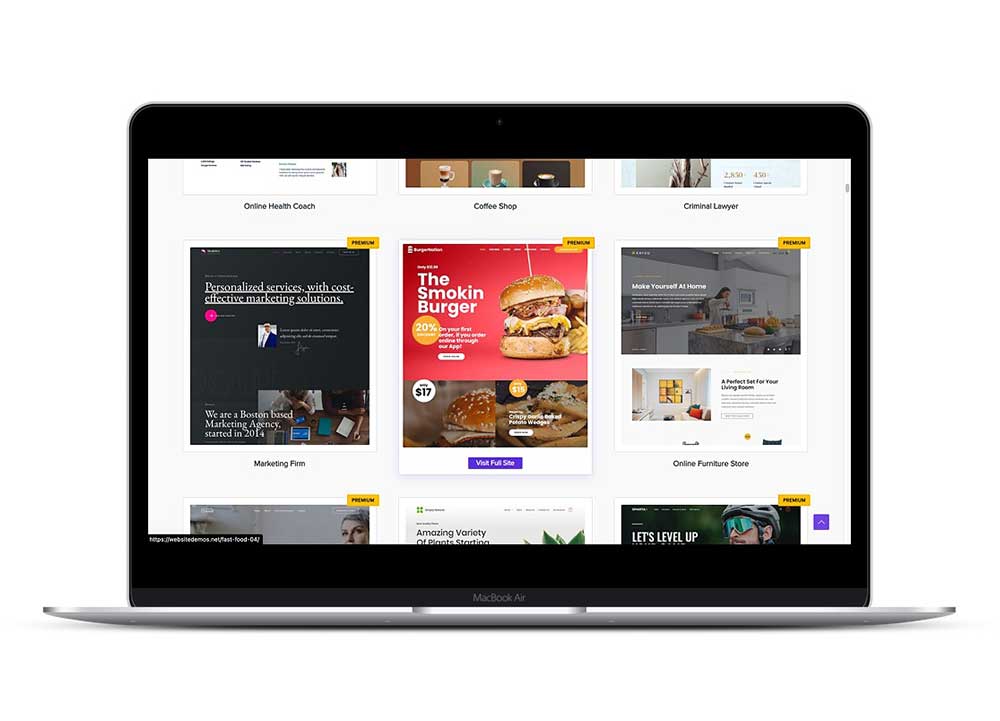
Woww Figma Web Design Process
A typical Figma design process starts by understanding the goals of the website, the target audience, the required pages, and the content that needs to be included.
From there, the design team will usually create a sitemap or page structure to define how the website should be organised. For more complex websites, low-fidelity wireframes may also be created to plan the layout, user journey, content hierarchy, and key conversion points before any detailed visual design begins.
Once the structure is approved, the design moves into high-fidelity mockups in Figma. This is where the website starts to come to life visually. The designer applies the brand colours, typography, imagery, buttons, spacing, layout styles, and key content to create a realistic preview of what the final website will look like.
The client then reviews the Figma designs and provides feedback. Because Figma is collaborative, comments can be added directly onto specific sections of the design, making it easier to understand what needs to change.
After feedback is reviewed, the designer refines the mockups until the design direction is approved. This helps align everyone on the look, feel, and user experience before development begins.
Once signed off, the Figma design becomes the visual blueprint for the website build. The development team then uses the approved mockups to recreate the design in WordPress as accurately as possible, while making sure the final website is responsive, functional, fast, and easy to manage.
Woww Figma Best Pracitces
-
1. Start with structure before visuals
Before designing beautiful screens, make sure the page has the right structure.
Focus on:
- Page goal
- User journey
- Content hierarchy
- Calls to action
- Key conversion points
- Desktop and mobile layout logic
A great-looking page with poor structure will still underperform.
2. Use a clear grid system
Set up layout grids for desktop, tablet, and mobile.
Common desktop setup:
- 12-column grid
- Max content width around 1200px to 1440px
- Consistent gutters and margins
This helps developers recreate the design accurately in WordPress, Elementor, or any other builder.
3. Design with responsive behaviour in mind
Do not only design a beautiful desktop layout.
Think about how each section will stack on mobile:
- What content appears first?
- Do columns stack cleanly?
- Do images crop well?
- Are buttons easy to tap?
- Does the page still make sense without hover effects?
At minimum, design desktop and mobile versions for important pages.
4. Use components for repeated elements
Create reusable components for:
- Buttons
- Navigation menus
- Cards
- Forms
- Testimonials
- FAQ items
- Pricing cards
- CTA sections
- Footers
This keeps the design consistent and makes updates much easier.
5. Create proper styles
Set up styles for:
- Colours
- Headings
- Body text
- Buttons
- Links
- Spacing
- Shadows
- Borders
This avoids random one-off styling and gives the development team a clear design system to follow.
6. Keep typography consistent
Define a simple type system.
For example:
- H1
- H2
- H3
- Body large
- Body normal
- Small text
- Button text
Avoid using too many font sizes, weights, and line heights. Inconsistent typography makes a website feel messy.
7. Design real content, not just placeholder text
Use real copy as early as possible.
Lorem ipsum can hide layout problems. Real copy shows whether the section actually works, whether the message is clear, and whether the design can handle different content lengths.
8. Name layers and sections clearly
Use clean naming like:
- Hero Section
- Services Grid
- Testimonial Card
- Primary CTA
- Contact Form
- Footer Navigation
This makes the file easier for designers, clients, and developers to understand.
9. Keep spacing consistent
Use a spacing system instead of random gaps.
For example:
- 8px
- 16px
- 24px
- 32px
- 48px
- 64px
- 96px
Consistent spacing makes the design feel more polished and easier to build.
10. Design for accessibility
Good web design should be easy to read and use.
Check:
- Text contrast
- Font size
- Button size
- Form field clarity
- Link visibility
- Navigation readability
- Mobile tap targets
Avoid tiny grey text, low-contrast buttons, and overly complicated layouts.
11. Keep the design realistic for development
Figma allows you to design almost anything, but not everything is practical to build within budget.
Design with the final platform in mind. For Woww, that usually means WordPress, Elementor, WooCommerce, Gravity Forms, and trusted plugins.
This helps avoid designs that look amazing in Figma but become slow, expensive, or difficult to manage once built.
12. Use comments properly for feedback
Clients should comment directly on the relevant area in Figma.
Good comments are specific:
“Can we make this CTA clearer?”
“Can we use a more premium image here?”
“Can this section focus more on lead generation?”
Bad comments are vague:
“Make it pop.”
“Not sure about this.”
“I don’t like it.”13. Prepare the file for developer handover
Before handing over to development, make sure:
- Final pages are clearly labelled
- Desktop and mobile versions are included
- Components are tidy
- Assets are exportable
- Fonts and colours are defined
- Interactions are explained
- Any unusual behaviour is documented
14. Get approval before development
The Figma stage should align everyone before the website is built.
Once the design is approved, changes should become more controlled. This prevents endless rework during development and keeps the project on time and on budget.
Simple rule
A good Figma file should not just look impressive.
It should make the website easier to understand, easier to approve, easier to build, and easier to manage after launch.
Hire a Figma Web Design Agency
So if you’re looking for a stunning web design and want to hire a competent team of Figma UI/ UX designers. The team at Woww would love to design your site with Figma. Our agency specializes in figma web design for WordPress .
Woww offers very affordable Figma design rates for all types of websites
See our: web design rates.
Don’t just take our word, Woww has over 250 five star reviews across trusted review platforms like Clutch, Sortlist, DesignRush and other verified web design review platforms.
Hire a Figma Designer
If you’re not looking for a full agency and instead are looking for an Figma freelancer or Figma web designer for smaller ad-hoc tasks, we do provide these services as well.






Recent Comments